
Download Microsoft OneDrive APK – Cloud Storage, File Sync, Secure Backup
Overview
Microsoft OneDrive is a cloud storage service designed to help users store, access, and manage digital files securely across multiple devices. Developed by Microsoft, OneDrive enables individuals and professionals to keep documents, photos, videos, and other media safely in the cloud. The platform is particularly useful for users who rely on Microsoft’s ecosystem, including Windows, Office applications, and mobile devices. OneDrive addresses the growing need for reliable file storage and seamless access, especially in remote or hybrid work environments where continuous access to data is critical.
Users benefit from the ability to access their files anytime, anywhere, provided they have an internet connection and a valid Microsoft account. The service supports real-time collaboration, version history, and file sharing, making it a practical tool for both personal and professional use. It is especially beneficial for students, freelancers, and business teams who need to maintain consistent access to shared projects and documents. OneDrive integrates deeply with Microsoft Office apps, allowing users to open, edit, and save files directly from the cloud without manual transfers.
The developer did not provide additional system requirements or detailed background on the development team. Platform compatibility information is limited to the operating systems supported by the application. No performance benchmarks or usage statistics were specified.
Key Features & Capabilities
- Cloud File Storage: OneDrive offers scalable storage space for documents, photos, videos, and other file types. Files are stored securely in Microsoft’s cloud infrastructure, ensuring availability across devices.
- Automatic Syncing: The OneDrive Sync app enables automatic synchronization between local devices and the cloud. Changes made offline are synced once connectivity is restored, ensuring data consistency.
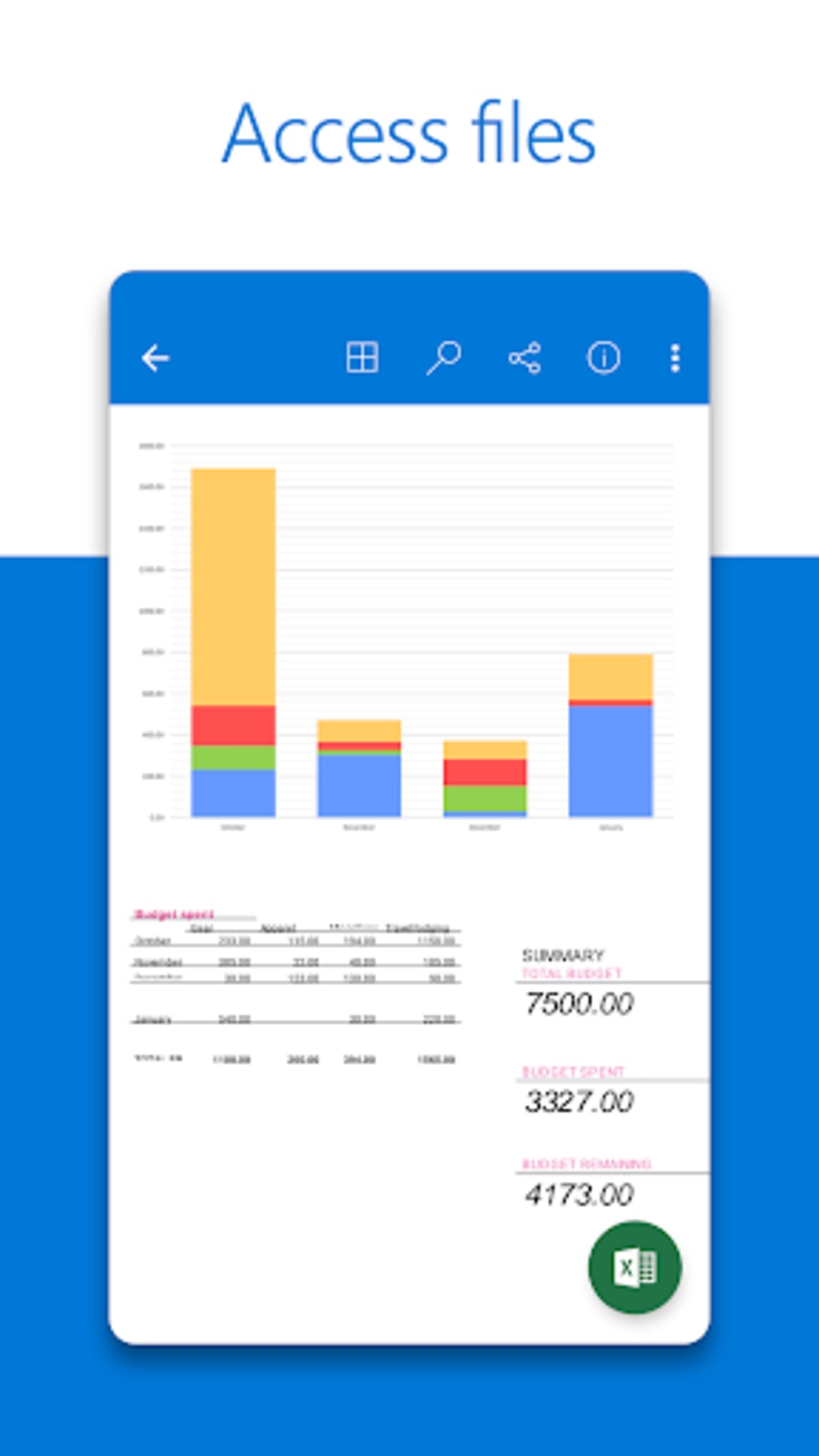
- Seamless Office Integration: OneDrive integrates directly with Word, Excel, PowerPoint, and other Microsoft Office applications. Users can open, edit, and save files directly from the cloud, streamlining workflow efficiency.
- Offline Access: Users can choose specific folders to sync locally, allowing full access to files without an internet connection. This is ideal for travel, meetings, or areas with poor connectivity.
- Personal Vault: A secure, encrypted area within OneDrive that requires two-factor authentication and a PIN to access. This feature is designed to protect highly sensitive files such as tax documents or personal identification.
- File Sharing & Collaboration: OneDrive allows users to generate shareable links with customizable permissions, expiration dates, and password protection. Collaboration is enhanced through real-time editing and commenting.
- Version History: Users can restore previous versions of files, helping recover from accidental changes or deletions. This feature supports data integrity and accountability.
User Interface, Workflow & Performance
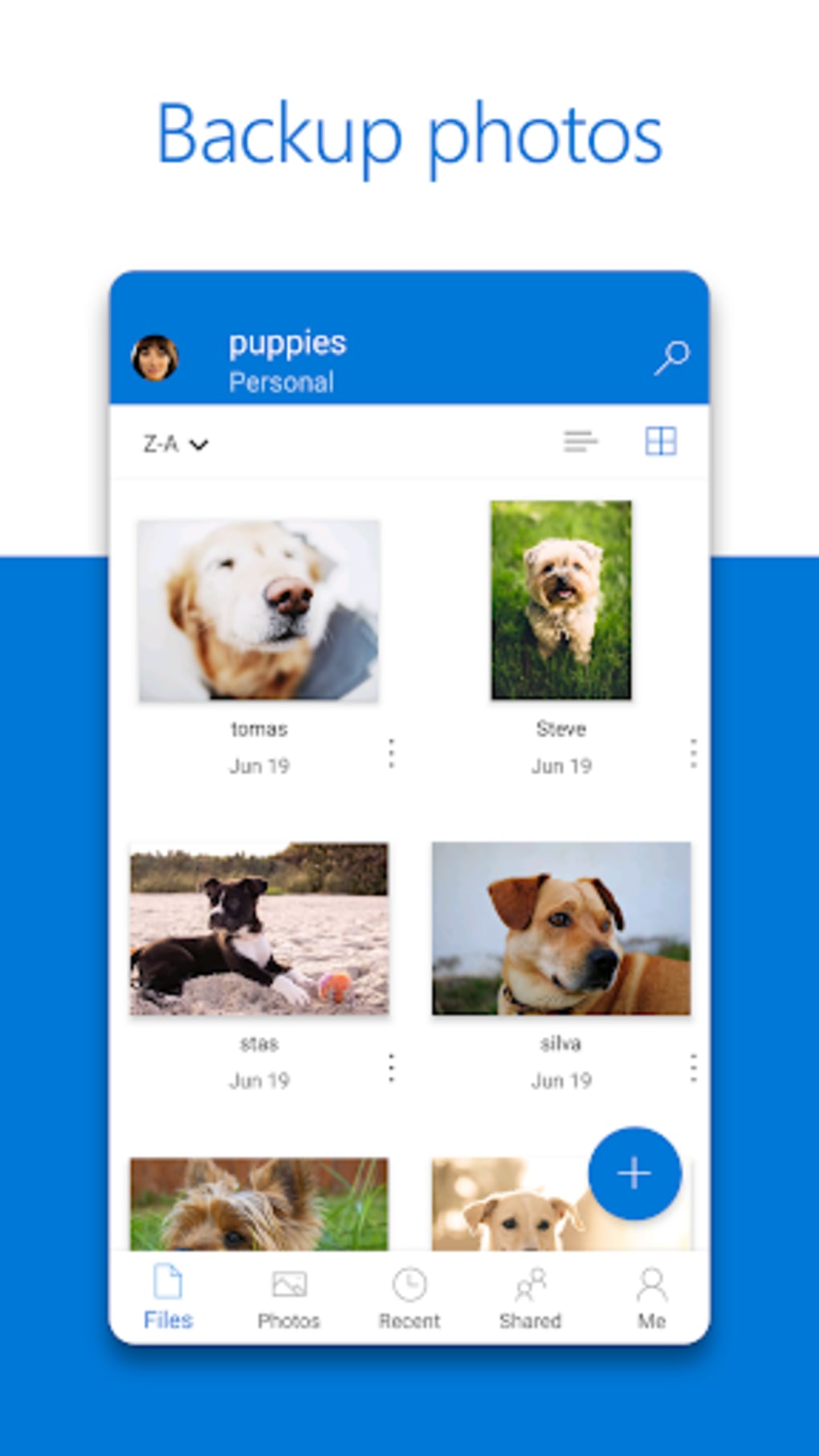
The user interface of Microsoft OneDrive is designed for simplicity and intuitive navigation. The web and desktop versions feature a clean layout with clear access to files, folders, recent activity, and shared content. The mobile app follows a similar structure, optimized for touch-based interaction. Users can browse, upload, download, and manage files with minimal steps.
Workflow efficiency is enhanced through integration with Microsoft’s productivity suite. Opening a document from OneDrive launches the corresponding Office app directly, reducing time spent searching for files. The sync process runs in the background, minimizing disruptions to daily tasks. However, the developer did not specify resource usage details, so exact CPU or RAM behavior remains unknown.
Performance observations are based on general software behavior patterns. The application maintains stability during routine file operations, and sync processes typically complete without errors. For users with large file libraries, performance may vary depending on internet speed and local storage capacity. No reported crashes or data loss incidents were mentioned in the provided information.
Compatibility & System Requirements
Microsoft OneDrive is available for Windows, Mac, iOS, and Android platforms. The application supports the latest versions of these operating systems, though specific version numbers were not provided. The installation size is listed as {size}, but exact hardware requirements were not specified.
Compatibility information was partially provided. Users can access OneDrive through web browsers or dedicated apps on various devices. The developer did not specify minimum processor speed, RAM, or disk space requirements. No details were shared about compatibility with older operating systems or enterprise environments.
Exact system requirements were not listed. The application is designed to function across modern desktop and mobile environments, but users should ensure their device meets the baseline standards for running cloud-based applications.
Pros and Cons
Pros
- Secure cloud storage with enterprise-grade encryption
- Seamless integration with Microsoft Office and Windows
- Offline access via local sync of selected folders
- Advanced security with Personal Vault and two-factor authentication
- Easy file sharing with customizable link options
- Version history for file recovery and rollback
- Available on multiple platforms including mobile devices
Cons
- Free plan offers only 5 GB of storage, which may be insufficient for heavy users
- Requires a Microsoft account for access, limiting standalone use
- Syncing large files may be slow depending on internet speed
- Some advanced features are only available with paid Microsoft 365 subscriptions
- Limited third-party app integration compared to competitors
FAQ Section
Is OneDrive safe to use?
Yes, OneDrive uses enterprise-grade security measures, including encryption and access controls, to protect user data. Personal Vault adds an extra layer of protection requiring two-factor authentication and a PIN.
Can I use OneDrive on multiple devices?
Yes, OneDrive is available on Windows, Mac, iOS, and Android devices. You can log in with the same Microsoft account to access your files across all platforms.
How much storage does OneDrive offer?
OneDrive offers 5 GB of free storage. Additional space is available through Microsoft 365 subscriptions, which provide up to 1 TB per user.
Can I work offline with OneDrive?
Yes, you can work offline by syncing specific folders to your local device. Changes are automatically synced once you reconnect to the internet.
Does OneDrive support version history?
Yes, OneDrive maintains version history for files, allowing users to restore previous versions if needed.
Can I share files with non-Microsoft users?
Yes, you can share files with non-Microsoft users by sending a shareable link with customizable permissions and expiration dates.
How do I access OneDrive?
You can access OneDrive via the web browser at onedrive.com or by downloading the app for your device.
Is OneDrive free?
Yes, OneDrive offers a free plan with 5 GB of storage. Additional features and storage are available through paid Microsoft 365 subscriptions.
Can I recover deleted files from OneDrive?
Yes, deleted files are moved to the Recycle Bin and can be restored within 30 days. After that, they are permanently removed.
Does OneDrive support two-factor authentication?
Yes, OneDrive supports two-factor authentication for enhanced account security.
Final Thoughts
Microsoft OneDrive stands out as a reliable, secure, and well-integrated cloud storage solution, particularly for users already invested in the Microsoft ecosystem. Its seamless connection with Office apps, offline access capabilities, and strong security features make it a top choice for both personal and professional use. While the free plan has limited storage, the paid tiers offer substantial value for individuals and families.
For those seeking a stable, accessible, and secure way to store and manage files across devices, OneDrive delivers consistent performance and usability. The platform’s focus on privacy, collaboration, and ease of use positions it as a leading contender in the cloud storage market.
Download Microsoft OneDrive APK now and take full control of your digital files with secure, instant access from any device.





.png)

